The open source offline-first code editor
Free. Built on Monaco. Your home for multi-language development, intelligent autocomplete, and zero cloud dependency.
Web Preview, Android edition, or other release options
By using miCode Studio, you agree to its license and privacy statement.
Code with confidence
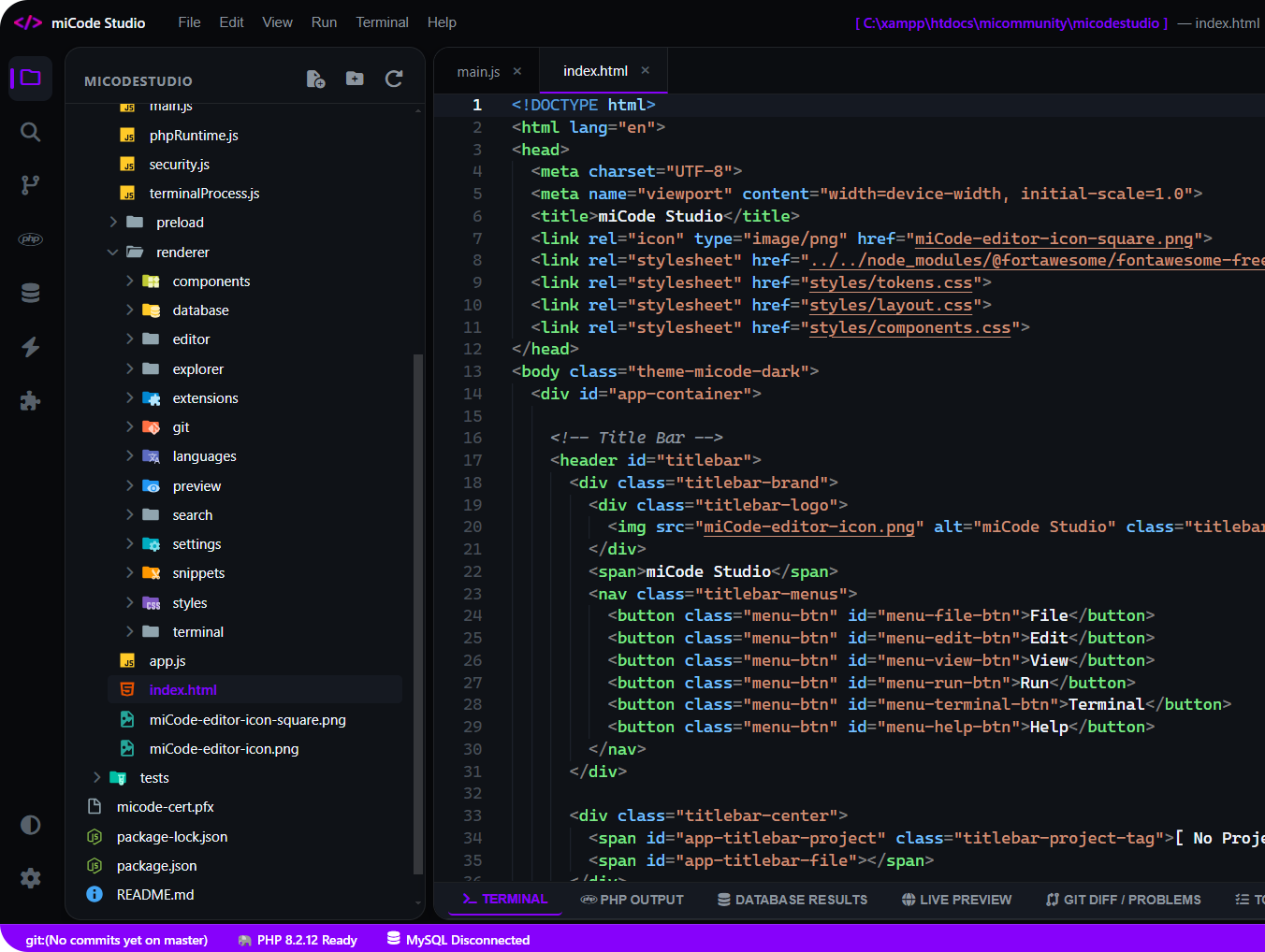
Go beyond syntax highlighting and autocomplete with IntelliSense, which provides smart completions based on variable types, function definitions, and imported modules.
- Language-aware completions for PHP, JavaScript, TypeScript, Python, HTML, and SQL
- Built-in snippet catalog with custom triggers and tab-stop navigation
- Automatic bracket matching, colorization, and smart indentation
// IntelliSense suggests variables, classes, and built-in functions
namespace MiCode\App;
class StudioWorkspace {
public function run($project): string {
return "Project '" . $project . "' ready offline.";
}
}
$app = new StudioWorkspace();
echo $app->run("miCode");
Execute scripts right from the editor
Run and test code without context switching. Launch built-in development servers, execute scripts with a single keybinding (Ctrl+F5), and inspect exit codes and outputs in real-time.
- One-click PHP Development Server launcher on local port 8000
- Direct Node.js and Python execution with captured stdout console
- Split-screen Live Browser Preview for HTML/CSS with device viewport modes
Never leave your editor
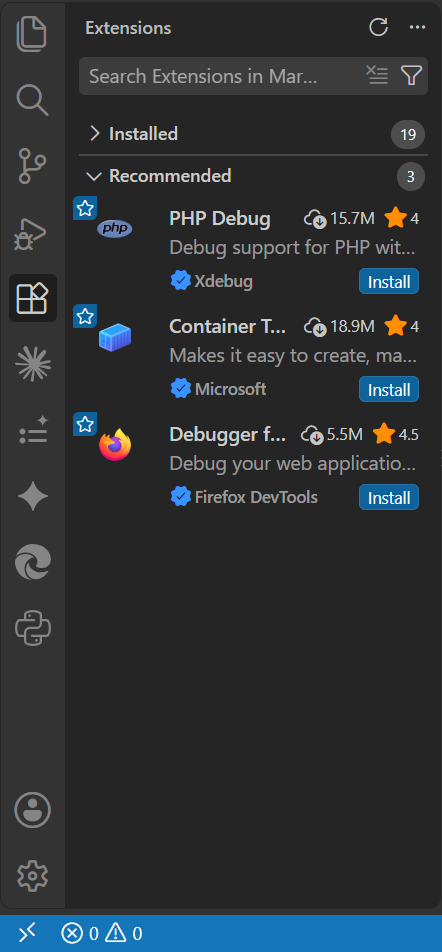
Run commands, manage packages, and inspect databases right from your workspace. miCode Studio includes an embedded PowerShell terminal and a native MySQL database query tool.
- PowerShell & Command Prompt terminal tabs with lazy initialization
- Built-in MySQL/SQLite database connection tester and SQL runner
- Offline document formatters for JSON, SQL, and CSS
Make the studio yours
Want more themes, icons, or language packs? Install extensions directly from the Open VSX registry or sideload standard VSIX packages.
- Full Material Icon Theme integration with 1,250+ file and folder icons
- Community color themes with automatic VS Code-to-Monaco theme converter
- Configurable editor font size, tab spacing, minimap, and autosave

Code in any language
miCode Studio supports editing and execution for web, back-end, and scripting technologies with offline syntax highlighting and snippets.
Interactive Code Showcase
Switch tabs below to see how code is authored, formatted, and executed inside miCode Studio.
Download miCode Studio
Free built for Windows (and soon Android). Fully offline-capable.
Windows
iPhone & iPad
Android
Frequently Asked Questions
Quick answers to common questions about miCode Studio.
miCode Studio is an offline-first multi-language code editor and development environment built for Windows (and soon Android). It provides Monaco-powered code editing, intelligent autocomplete, code snippets, local PHP dev server execution, and integrated PowerShell terminals without requiring an active internet connection.
Yes. miCode Studio is completely free to download and use for learning, personal projects, and commercial software development.
Yes! Every essential editing feature—including the Monaco code editor, snippet expansions, local file tree navigation, PHP development server, live browser preview, and terminal sessions—runs 100% locally on your PC without cloud dependency.
Click on the Extensions icon on the left Activity Bar in miCode Studio to browse recommended extensions (such as Material Icon Themes and color schemes) from Open VSX, or install standard .vsix packages directly from your computer.
miCode Studio detects your local PHP installation (such as standard PHP or XAMPP at C:\xampp\php). You can start a local development server with one click or press Ctrl+F5 to execute the active PHP script and review outputs in the console.
Yes! miCode Studio includes a dedicated, mobile-first Progressive Web App (PWA) built specifically for iPhones and iPads at micommunity19.org/micodestudio/ios/. It features a touch-optimized code editor, virtual filesystem with IndexedDB, live sandboxed preview, quick keyboard symbol toolbar, and complete offline capability when added to your iOS Home Screen.